01
Record with the device.
Capture meetings, conversations, and spoken notes on the dedicated recorder.
AI RECORDING DEVICE + COMPANION APP
Record meetings and voice notes with the Alkawy device. Turn them into summaries, memories, and next steps in the app. Connect your email to bring more of your day into the conversation.
Early reservations. No payment today.
The recorder captures. The app connects the dots.
ONE CONNECTED EXPERIENCE
Put the recorder into your day. Bring your recordings into Alkawy. Let AI help you make sense of what was said—and connect it to what needs to happen next.
Capture meetings, conversations, and spoken notes on the dedicated recorder.
Transfer recordings over Bluetooth. Get transcripts, summaries, and suggested follow-ups with cloud AI.
Connect your email and calendar, then ask Alkawy about the details that matter.
Alkawy recorderTHE RECORDING DEVICE
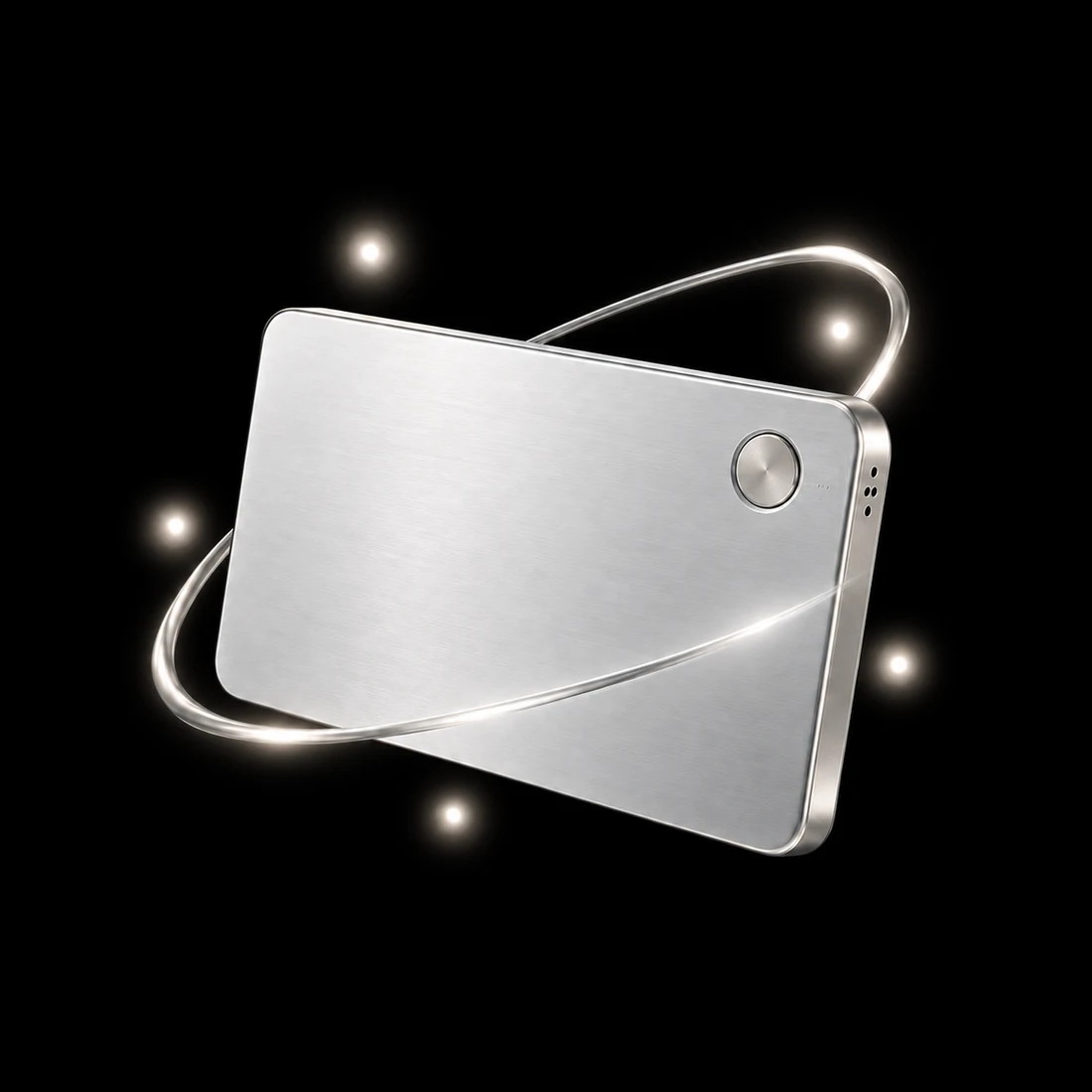
A dedicated recorder for the conversations you want to keep. Capture the meeting or speak a quick thought, then transfer it to your phone when you’re ready.
AI transcription and summaries run in the cloud after you upload. Device artwork is illustrative.
THE COMPANION APP
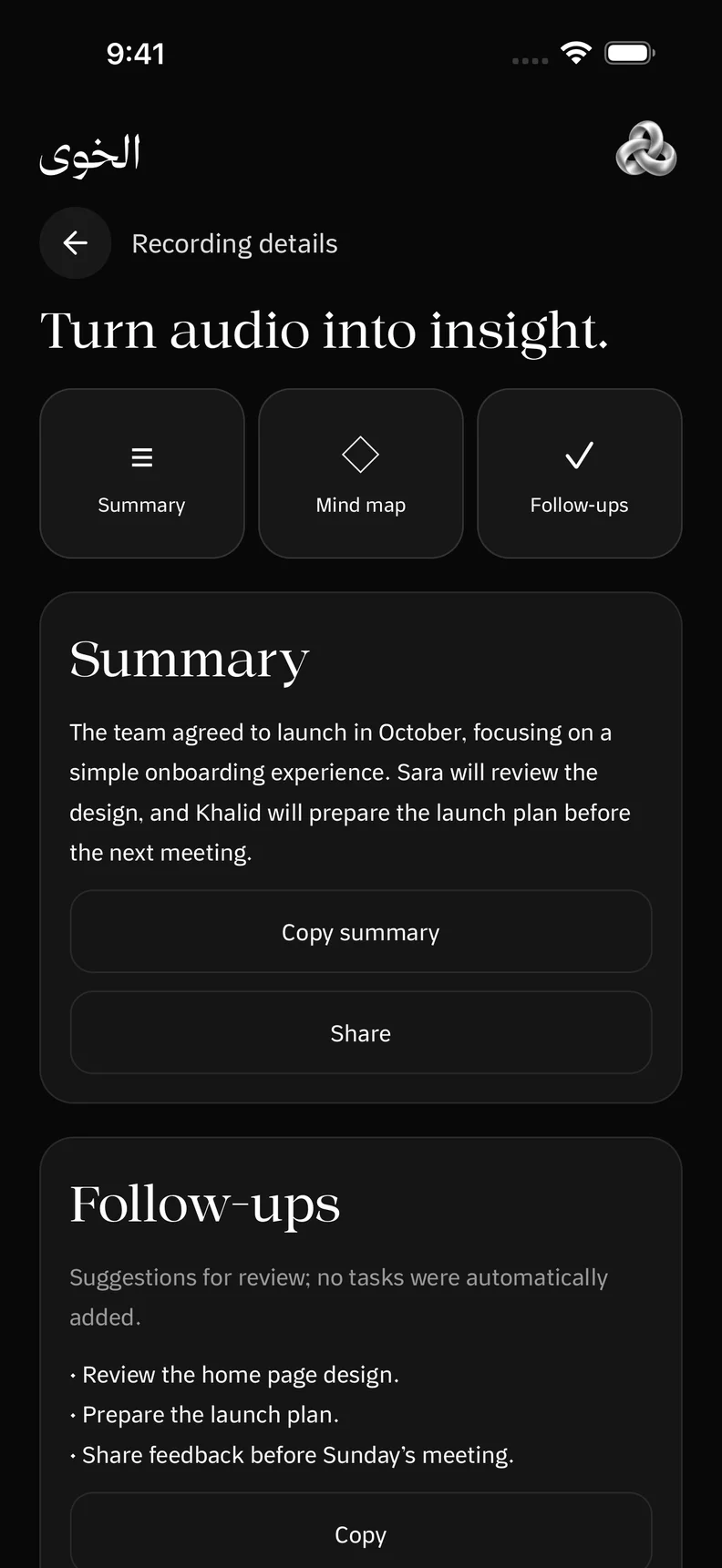
Keep your recordings together. Revisit a transcript or get to the heart of a conversation with a summary.
Reserve your placeRecorder illustration from the app. App screens show illustrative content.
EMAIL. CALENDAR. CONTEXT.
Connect Gmail or Outlook and your calendar in the app. Ask about an email, check what’s coming up, or prepare a follow-up with the context you choose to share.
Connections are optional. You choose permissions and approve the exact details before an email is sent or a calendar change is made.
Your connected context
 الخوي
الخويOne conversation with Alkawy

MORE THAN MEETING NOTES
Keep the important people, preferences, and decisions from your recordings. Review what Alkawy suggests, edit what changes, and come back with a question.
MemoryJUST ASK ALKAWY
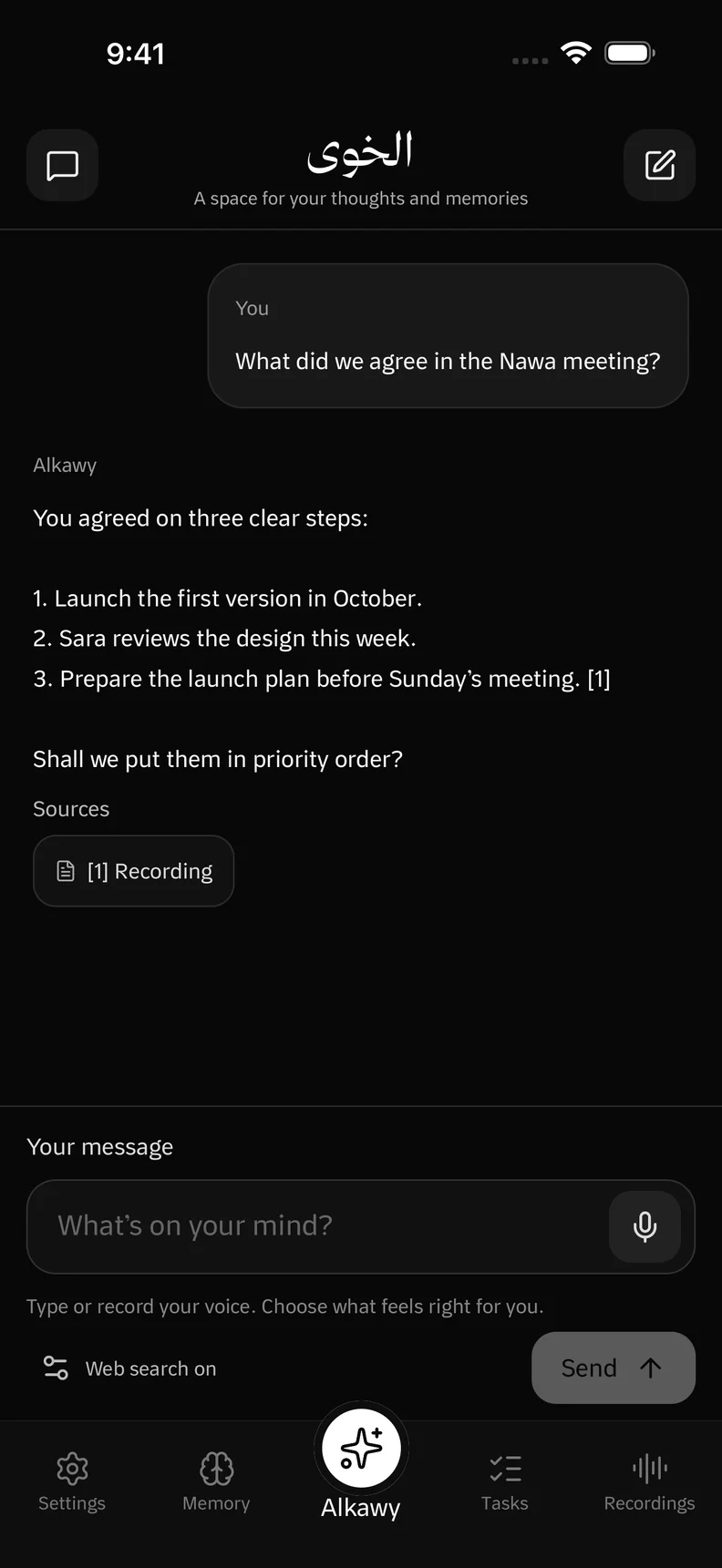
Ask about a past conversation in your own words. Alkawy brings back relevant details with references you can revisit.
“What did we agree in the meeting?”Grounded in your recordings and memories.
PERSONAL MEANS YOURS
Review suggested memories from recordings before keeping them.
Review the exact details before an external action is carried out.
Edit memories, remove recordings, and manage your connected accounts.
You’re registering interest in the Alkawy recording device and companion app. This is a no-payment reservation, not a completed purchase. Pricing, package contents, availability, and delivery dates will be shared before you decide to order.
Capture audio on the companion recorder, then connect it to the app to transfer recordings. Cloud processing turns uploaded audio into transcripts, summaries, and suggested memories. A connection is needed for cloud features.
Yes. The app supports optional Gmail and Outlook connections, along with calendar access. You choose the permissions. Sending an email or changing a calendar event requires your approval of the exact details.
The app has Arabic and English interfaces. Explore both versions of the website to see the corresponding app screens.
Yes. Uploaded audio and relevant context are processed by backend AI providers to support transcription, summaries, and answers. You control what you upload and can manage your recordings and memories.
RESERVE THE ALKAWY EXPERIENCE
Register your interest in the Alkawy recording device and companion app. We’ll share pricing and availability before you decide to order.